
Account & Wallets
How to connect a wallet and manage your on-chain profile.
Sign In
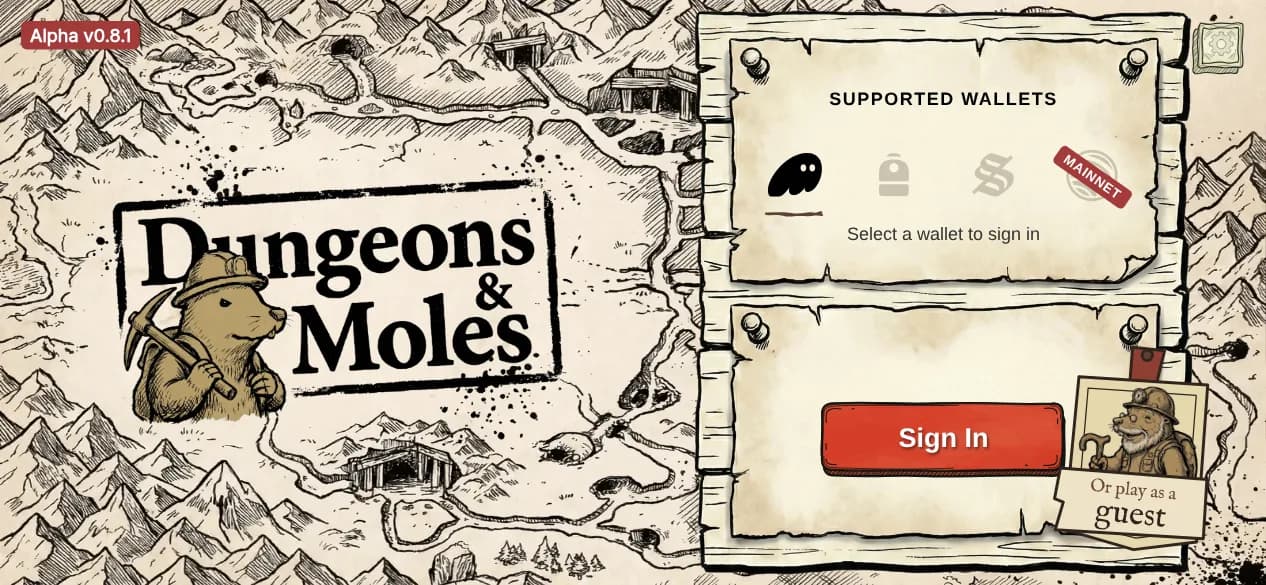
The very first time you open the game, you play a short guided run before you ever reach this screen — see Your First Run. From the sign-in screen, select a supported wallet to connect. On Android, your phone's wallet picker (Mobile Wallet Adapter) handles the connection; on the web, your installed wallet browser extension is detected directly.
→You'll also be asked once, and can skip, how you heard about Dungeons & Moles.
→First-time players are prompted to create a profile by choosing a name and signing a transaction. This creates your on-chain player profile.
→Returning players go straight to the Hub screen after connecting.
→New accounts start with 20 free PvE campaign sessions — no SOL required to begin playing.
Supported Wallets
→Phantom — web + mobile
→Backpack — web + mobile
→Solflare — web + mobile
20 Free Sessions
Every new account receives 20 free campaign sessions so you can start playing immediately after connecting your wallet.
→After the free sessions are used, additional sessions can be purchased — 20 runs for 0.05 SOL.
→Session runs are debited at session start, not at the end of a run.
Reset Profile
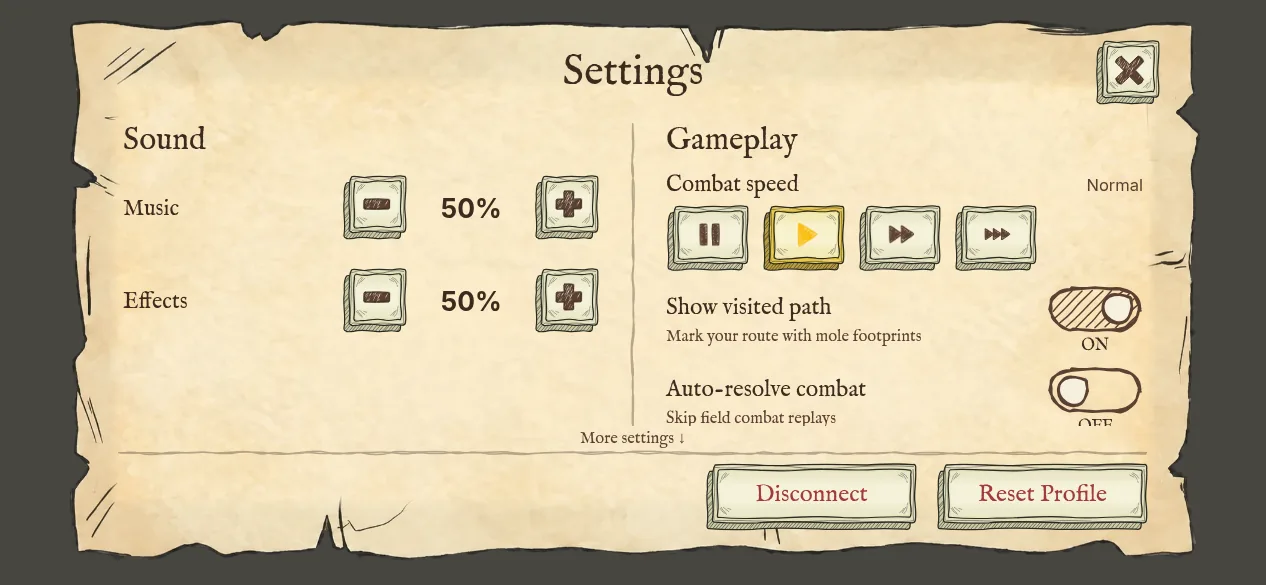
Available in Hub Settings (gear icon). Resetting your profile permanently deletes all on-chain progress: profile name, unlocked items, active item pool, and campaign progress.
→Requires explicit confirmation — “This cannot be undone.”
→Your wallet connection is preserved — you can create a new profile immediately after resetting.
→Use this to start fresh or if you want to re-do your item unlock path.