
Sessions
How session signers, rent, and session recovery work under the hood.
Session Signer (In-Game Wallet)
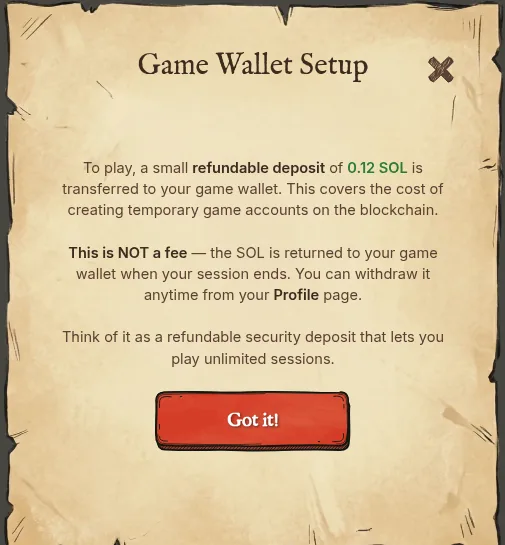
When you start a game session, the game creates a temporary keypair called the session signer. This keypair is derived from your wallet signature and stored securely on your device. You sign with your main wallet exactly once to enter a session — everything after that is handled by the session signer.
Session Rent
Each session requires a deposit of 0.09 SOL (Campaign) or 0.10 SOL (Duels and Gauntlet) to cover on-chain account creation rents, delegation costs, VRF initialization, and transaction fees. This SOL is not spent permanently — it's reclaimed into your session signer when the session ends, ready to fund your next one.
The first time you play, a one-time welcome step funds your session signer with the full 0.09 SOL up front, so your very first session doesn't need a separate top-up.
Resuming a Session
If the app closes mid-session (crash, network loss, force quit), your session is saved on-chain. On next launch, if an active session is detected, a modal offers two options: Resume Adventure or Abandon & Start New.
Overriding a Session
Override is a last resort, normally reached from the Campaign Select screen if you try to start a different level or mode while a session is still active and can't be resumed. It requires your wallet signature and starts a fresh session without closing the old one.
Abandoning a Session
Abandon permanently closes the session and forfeits all in-progress run data. This is the only in-session action that requires your wallet signature, serving as a safety measure.