Your First Run
What happens the very first time you open Dungeons & Moles — before you ever connect a wallet.
The Tutorial Session
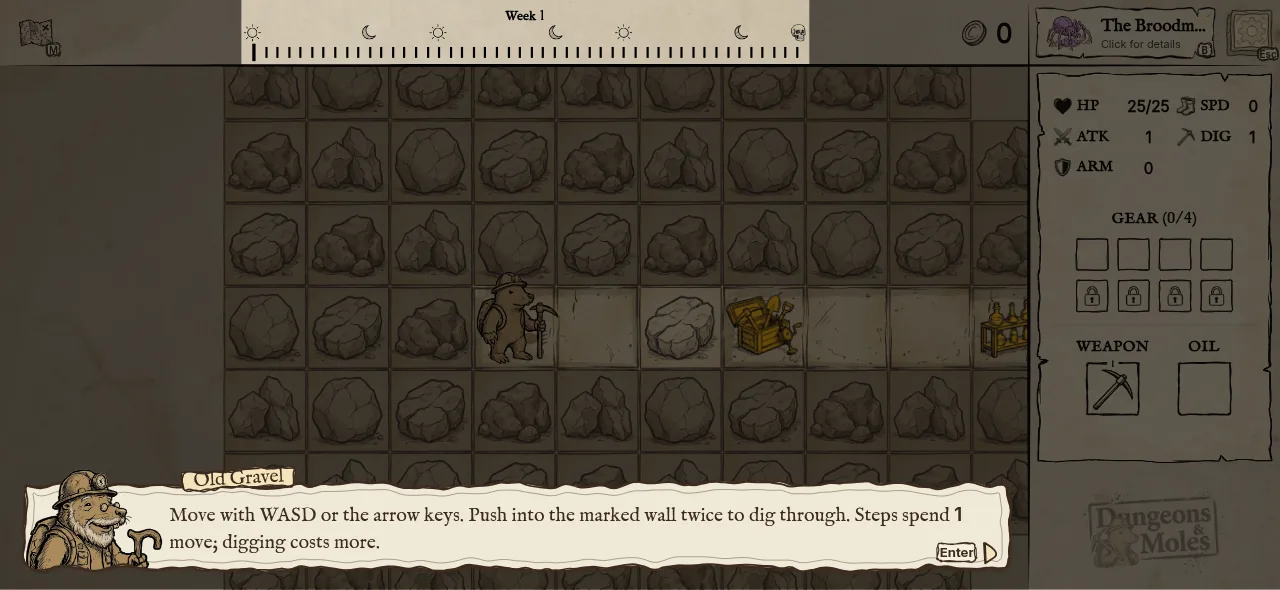
The very first time you open the game, you drop straight into a full run — no sign-in screen, no wallet, no account. Nothing about this run touches the blockchain or saves permanently.
Week 1 of that run is narrated by Old Gravel, who walks you through the basics the moment you need them. Everything after Week 1, including the boss, plays out as an ordinary run.
Over the course of Week 1, Old Gravel walks you through:
Whether you play it out, skip it, or leave early, the Tutorial Session only happens once per device. Once it's done, you go straight to the sign-in screen, where you can connect a wallet or continue playing as a guest — see Guest Mode and Account & Wallets.
The Hub Tour
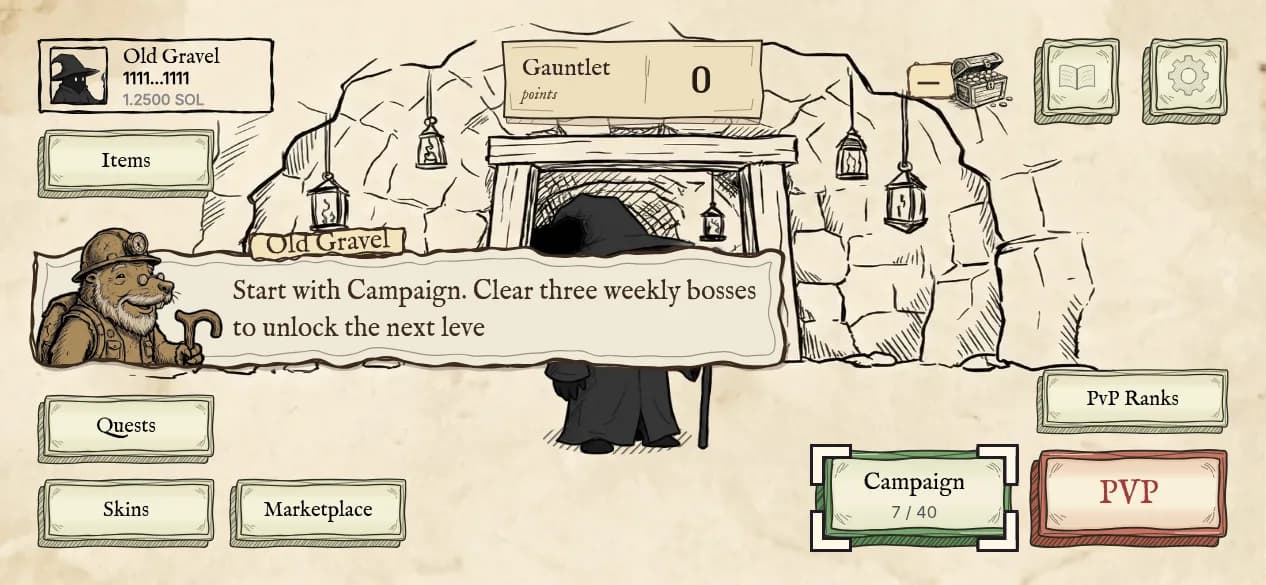
The first time you actually reach the on-chain Hub — after connecting a wallet and creating your profile — Old Gravel gives you a quick guided pass over it, pointing out Campaign, Items, Skins, Marketplace, PvP, the leaderboard, your Profile, and Settings. It's narration only: nothing is blocked, and it runs once.
If you play as a guest before connecting a wallet, you get a short note instead, and the full Hub Tour runs the first time you actually connect.
Learning As You Go
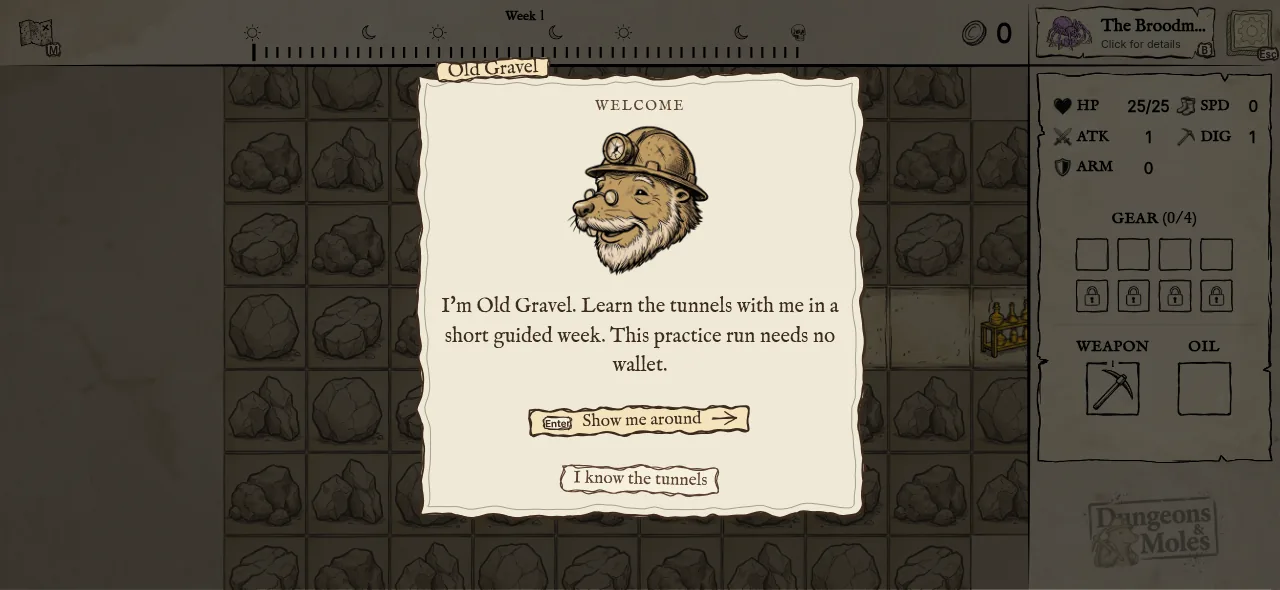
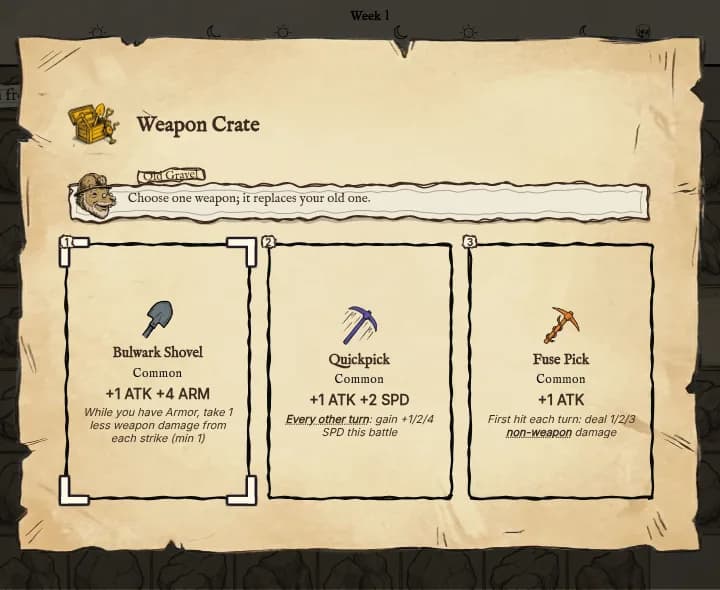
The tutorial isn't the only place the game teaches you. The first time you run into a mechanic you skipped or haven't seen before, Old Gravel drops a short one-line hint. Capitalized keywords in item, trait, and boss text are underlined — tap one any time to read its definition. You can turn keyword underlining off in Settings.